0%
Benefits of Translating Content Metadata
How to Translate Content Metadata
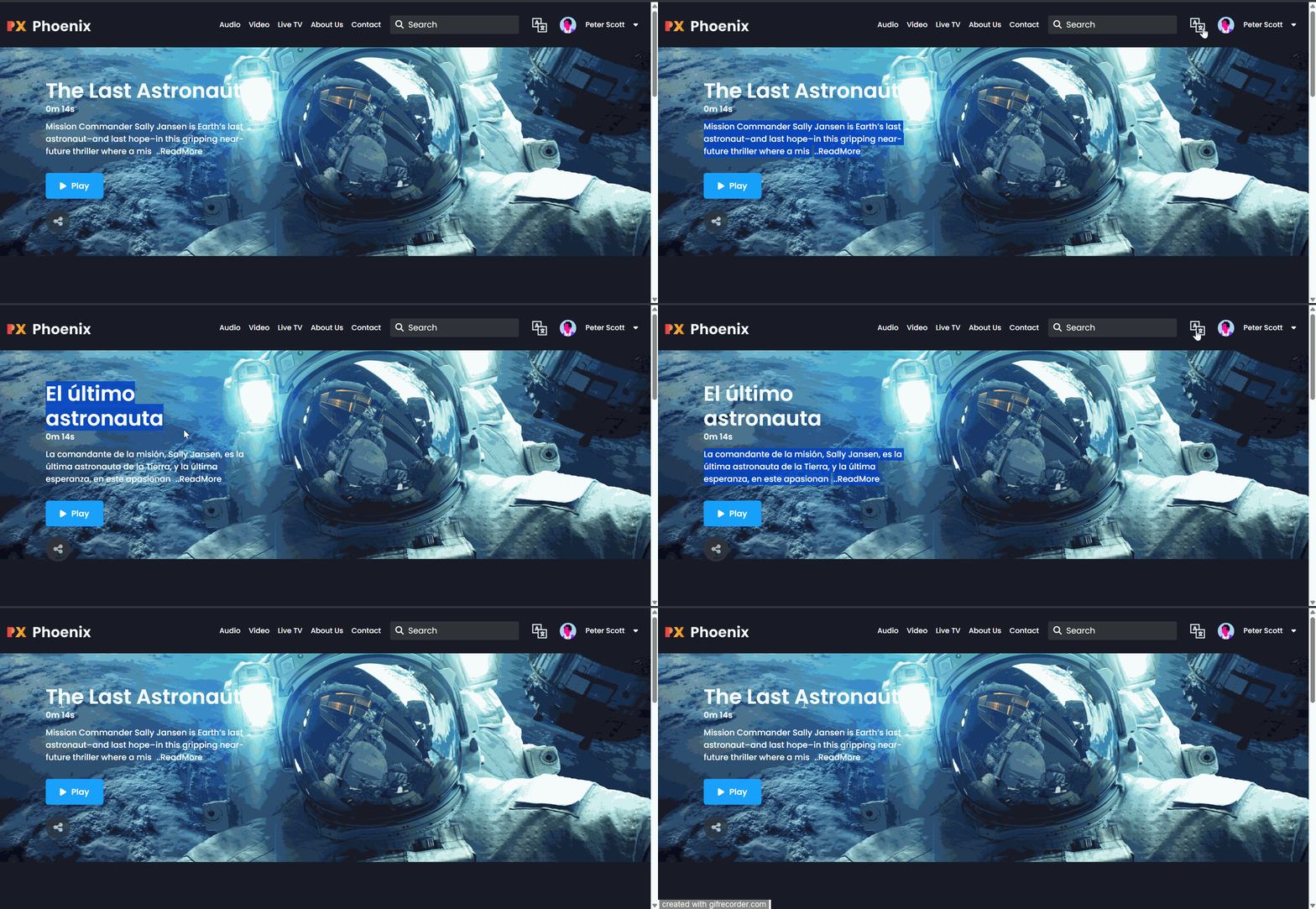
How End-Users Can View Translated Metadata
Applicable Areas for Metadata Translation
Muvi allows you to add and manage metadata in multiple languages for your content and related items. This helps you deliver a localized experience to global audiences by displaying titles, descriptions, names, and other metadata in the viewer’s preferred language. Once configured, end users on the front-end platform can view content metadata in multiple languages.
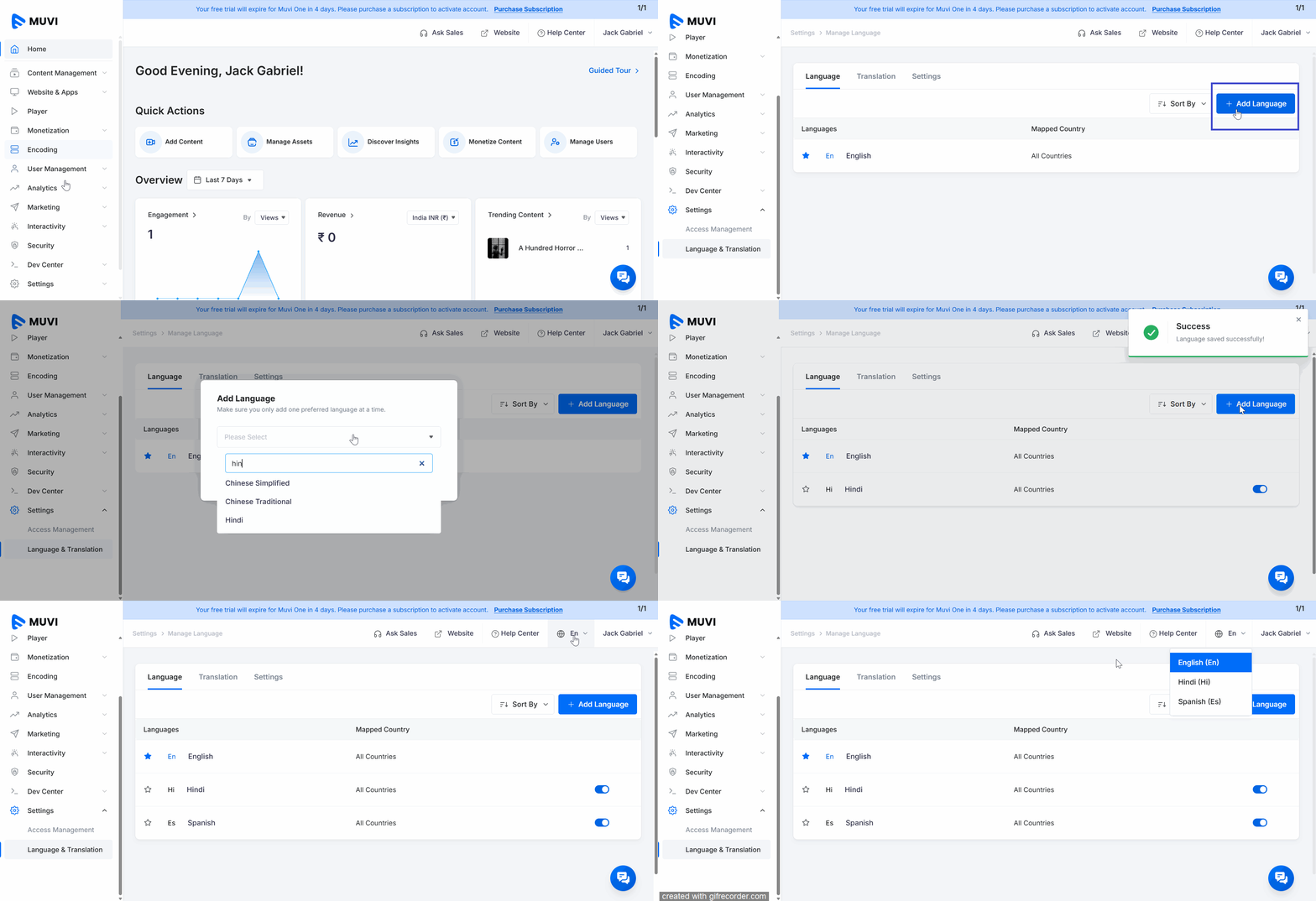
Before you translate the content metadata, you must add the language(s) in the Dashboard. You can add multiple languages in which you can translate the content metadata.
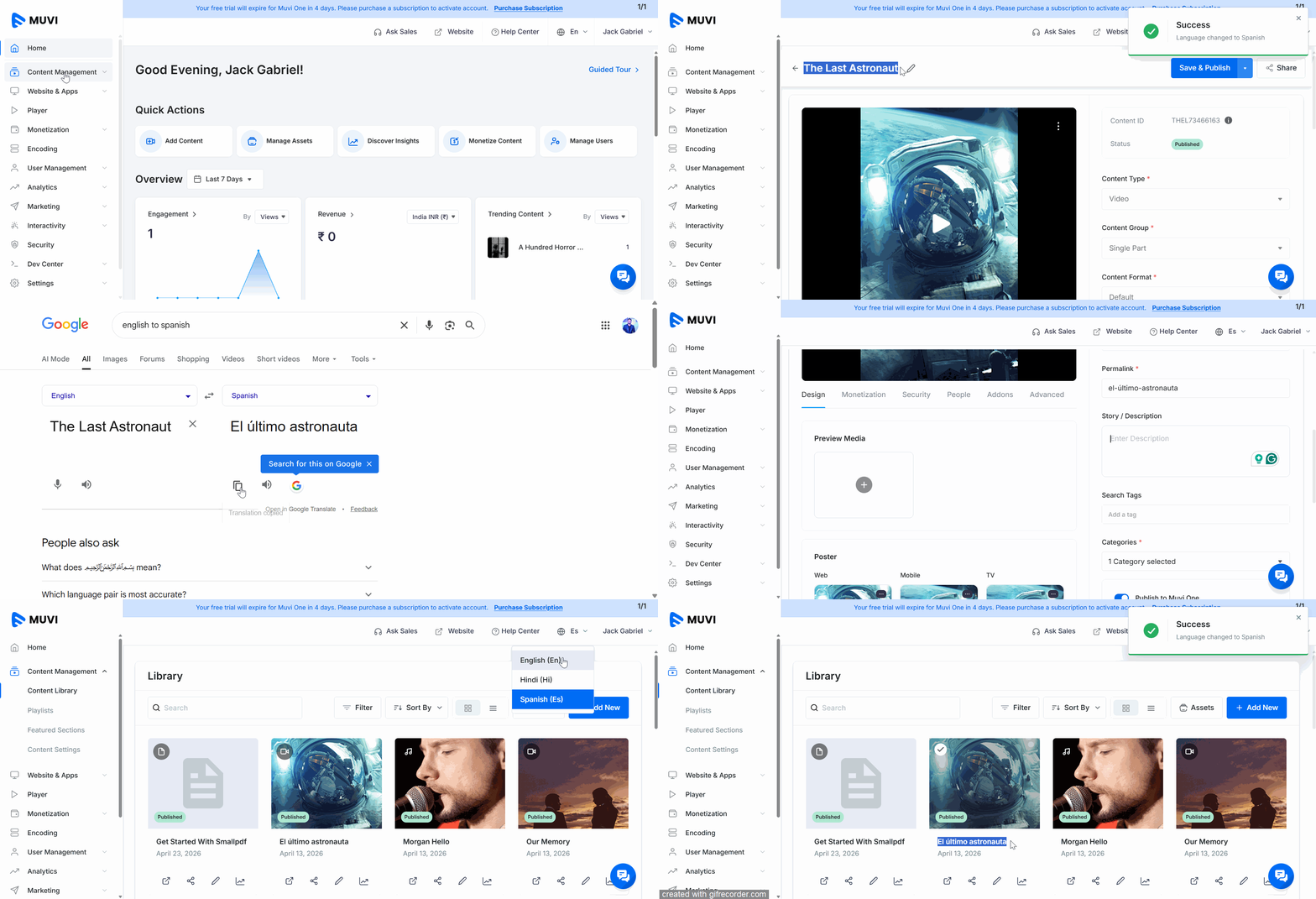
First, you need to add the content in the default language. For example, if your default language is English, then add the content in English. Once the content is added in the default language, you can translate it while editing the content.
You can translate metadata for the following areas:
Let us know so that we can improve.
12:00AM PST
Most meeting platforms stop at video calls. Muvi Muvi Meet goes further—giving you a fully browser-based meeting experience that runs on your own domain, carries your brand, and…...
Event Language: EnglishReach out to Muvi at: