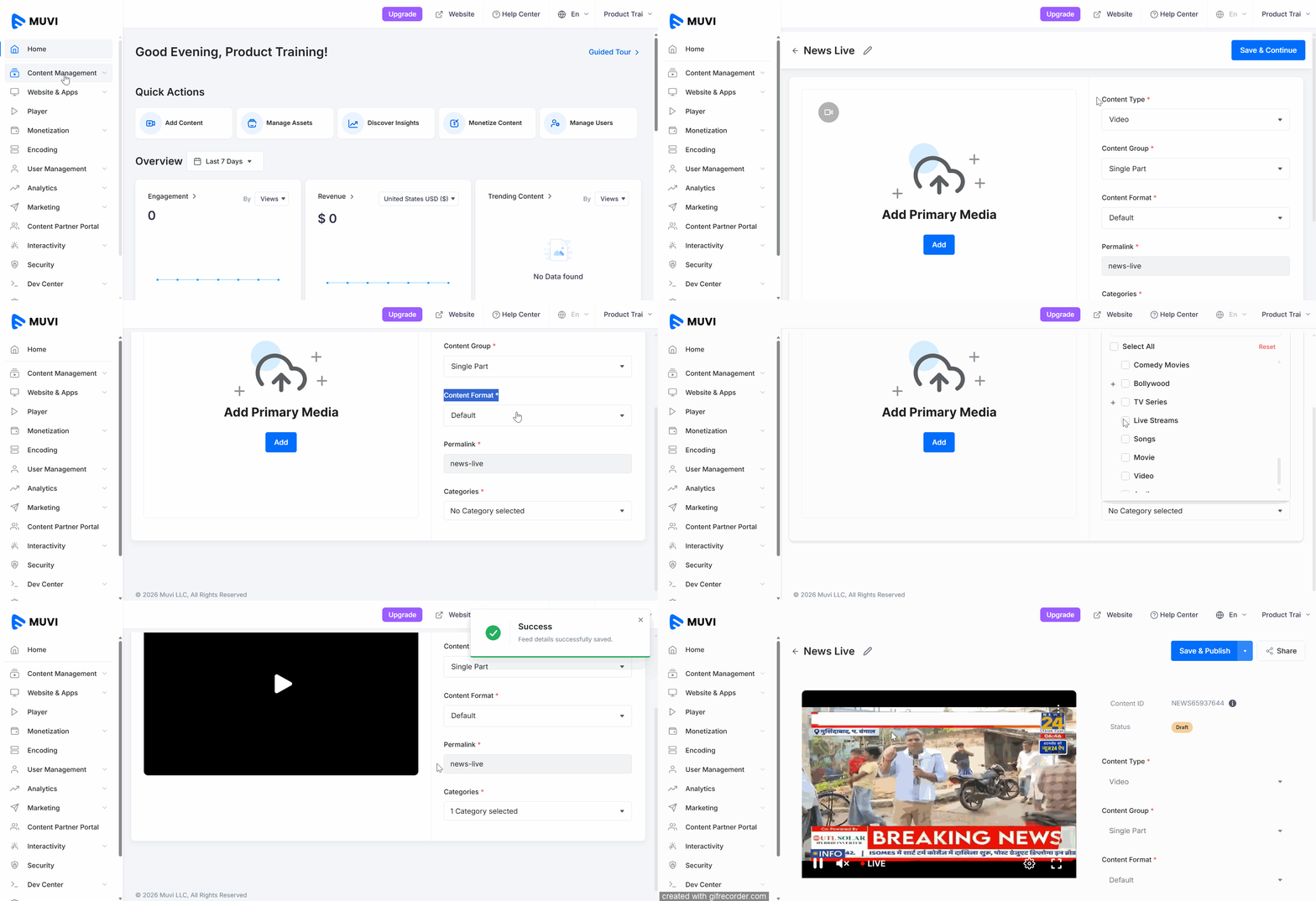
You can live stream from Muvi Live by using any existing third-party live feed as a source. If you already have an IP camera stream or free-to-air HLS stream, then you can directly convert those into live streams with better security and distribution capabilities. While creating the live stream content in Muvi Live, you need to select the “Feed” option and add the live feed as a source.
How to Add Live Feed as a Source
Creating a Live Stream is a 2-step process. In the first step, add the basic information, and in the second step, add posters, banners, monetization, and security information.
Step 1: Adding Basic Live Stream Details
Navigate to “Content Management” -->” Content Library” in the CMS.
Click on “Add New” on the right-hand side.
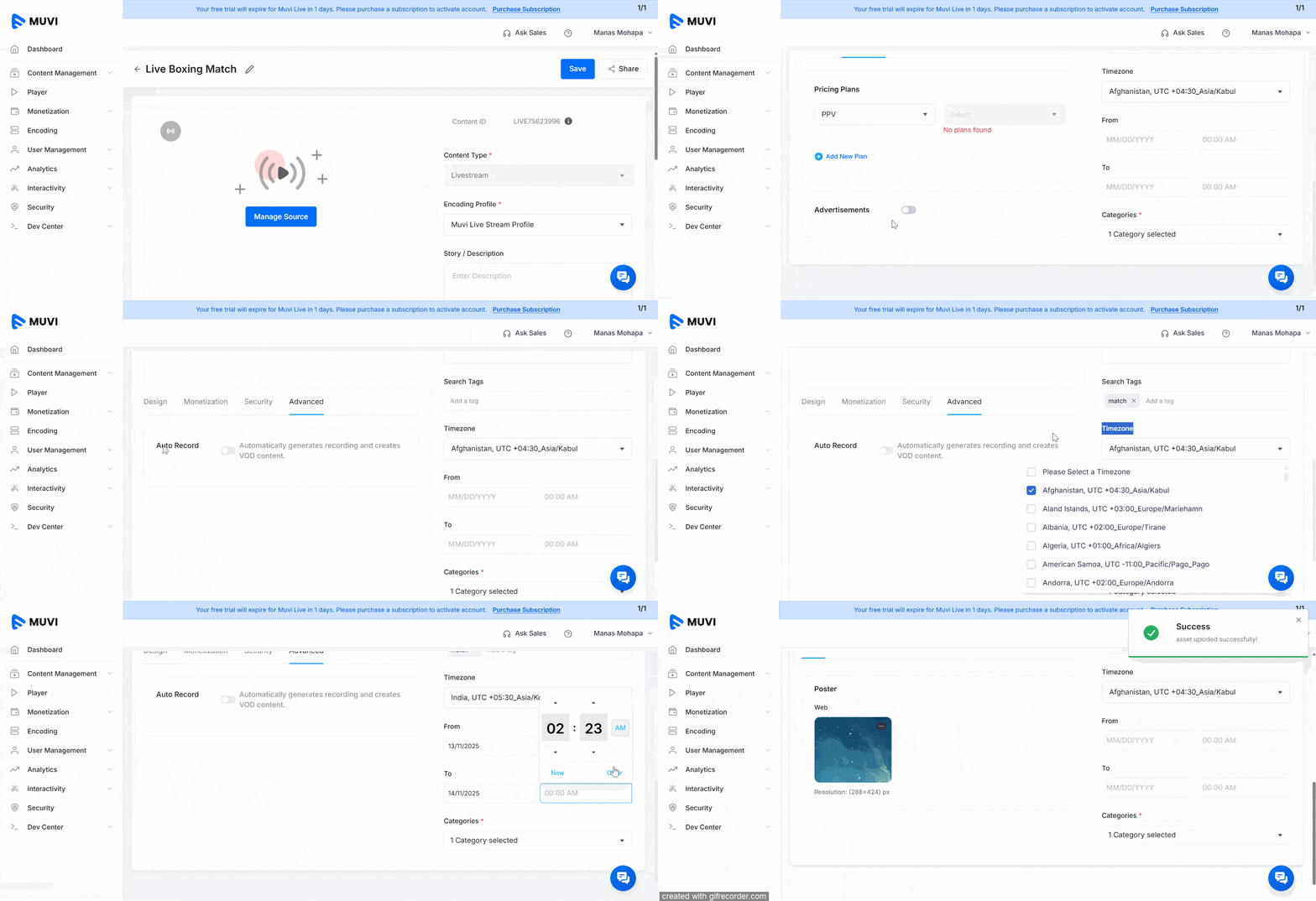
Click on the “Edit Icon” to add a name for the live stream (e.g., Live Boxing Match).
On the right-hand side, under “Content Type”, select “Livestream”.
Under “Encoding Profile”, select the encoding profile you already created or select the default encoding profile.
Under “Categories”, select a category, or you can select multiple categories.
Click on “Manage Source”.
Under “Source”, select “External Live Feed” from the drop-down menu.
Under the “Feed URL”, type an HLS, RTSP, MPD, or SRT URL of a livestream.
Under “Nearest Location”, select your nearest live server location from the drop-down menu.
Click on “Confirm”.
Click on “Save and Continue”.
Step 2: Adding Poster, Monetization, Security, and Advanced Options
Under the “Design” tab, add a “Poster” for the Livestream.
Under the “Monetization” tab, add a “PPV” plan for the livestream. You can also enable the “Advertisement” option to show ads in the livestream.
Under the “Security” tab, enable the “Password” option to protect your livestream using a password. The end-users need to type this password to watch your livestream.
Under the “Advanced” tab, enable the “Auto Record” option to automatically record the livestream and save it as VOD content in the “Asset Library”.
On the right-hand side, type a “Story/Description” about the live stream.
Under “Search Tags,” add search tags for the live stream.
Select the “Time zone” from the drop-down menu. Basically, select the time zone from where you are planning to livestream.
You can also schedule your livestream by selecting the date and time from the calendar.